Print proof
Before you trust us with your logo, see how it sits on the bag.
Sample designs on our kraft bags, video from the press, then the tips that make a logo print sharp on kraft paper, so yours comes out right the first time.
Free toolNothing is uploaded
See your logo on the bag. Right now, free.
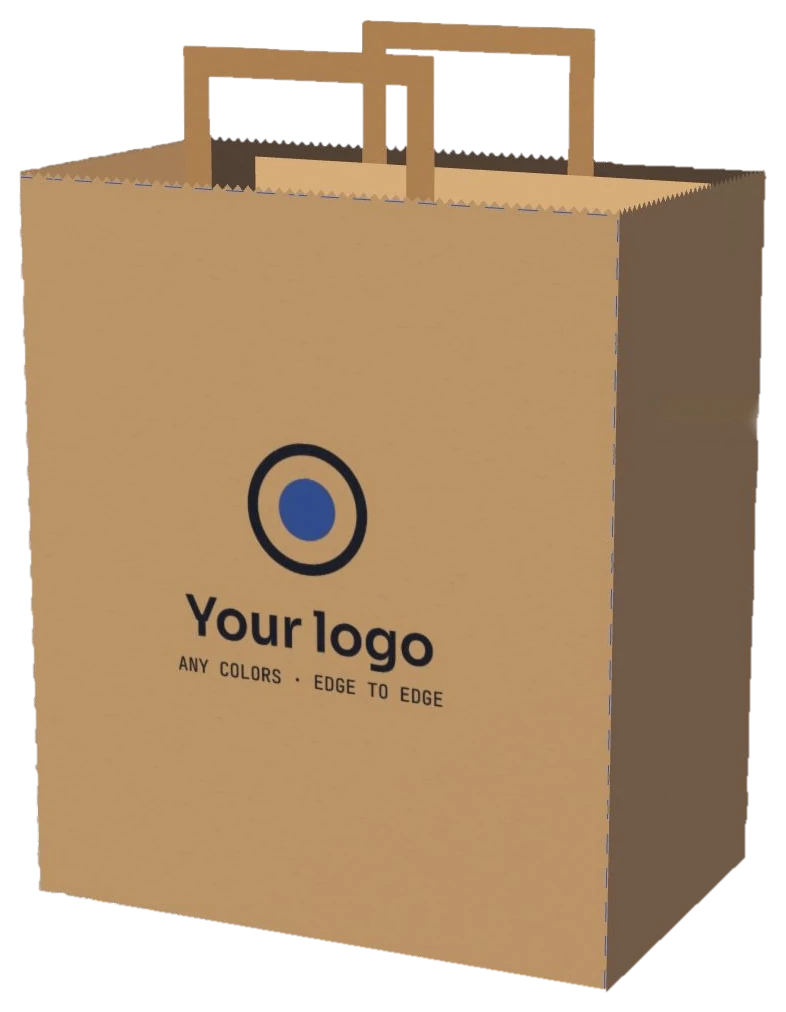
Pick your logo file and watch it land on our 12″ × 7″ × 14″ kraft bag, to scale, inside the 12 × 14 in print area. Your file stays on your device.
- Tip: a PNG with a clear background prints cleanest.
Setup is $0 and the front print is free. Want to test first? Try 50 bags for $28.
Free report cardGrade it before you print
Your logo, graded for kraft paper. Four checks, one second, zero uploads.
The samples below look sharp because their colors were picked for brown paper. Find out if yours were. Pick your logo file and get a grade on brown kraft, on bright white, on thin lines and on size, with the one fix that would lift it. No file on this phone? Type your shop name and grade a quick sample.
Your logo lands here
- On brown kraftContrast against the paper?
- On bright whiteContrast against the paper?
- Line weightThin lines at this size?
- Size on the bagPrinted width and height?
How we grade: contrast is the WCAG ratio between each main color and the paper, weighted by how much of the logo it covers (3:1 is the WCAG minimum for big text). Line weight looks for lines under about 2 mm at the size you pick, since kraft fibers soak up ink. The print area is 12 × 14 in on the front, and bags come in brown kraft and bright white. A guide, not a print proof. Your file never leaves your device.
Next free giftWatch your name under noon sun, neon and a phone flash, on the night market page→Free test20 seconds
Before you approve the proof: can people read it from across the street?
A proof shows your logo up close. The street sees it from 20 feet. Type your shop name, pick a letter weight and walk the bag down the block to find the distance where it stops reading.
Eye chart math for 20/20 vision in good light: a letter is readable when it spans 5 arcminutes and its strokes span 1. Your name is fitted across the bag's 12″ front. A guide, not a lab test. Nothing you type leaves your device.
Next free giftThe packing order game, on the taco shop page→[01]Samples and press
Sample designs on our bag, and the press that prints yours.
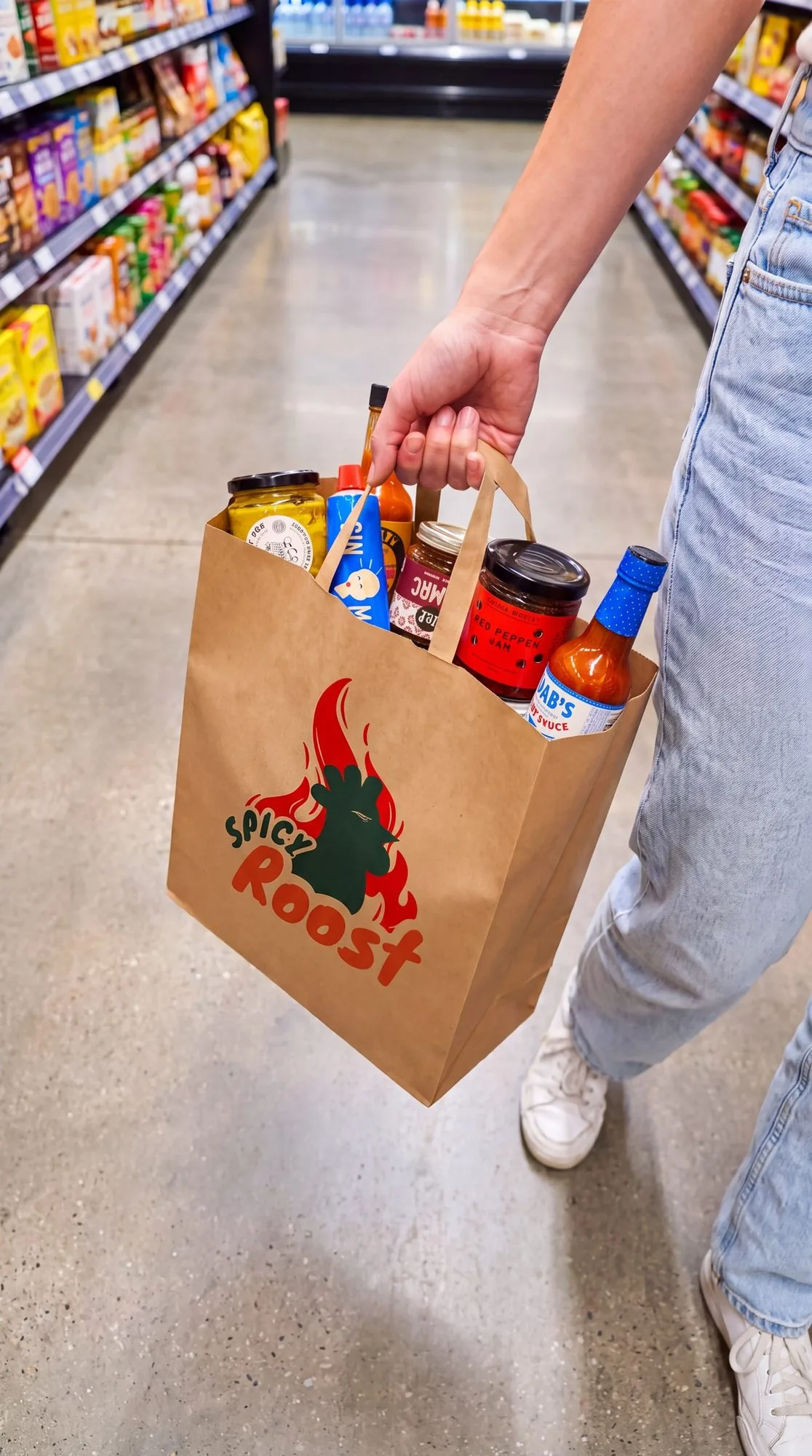
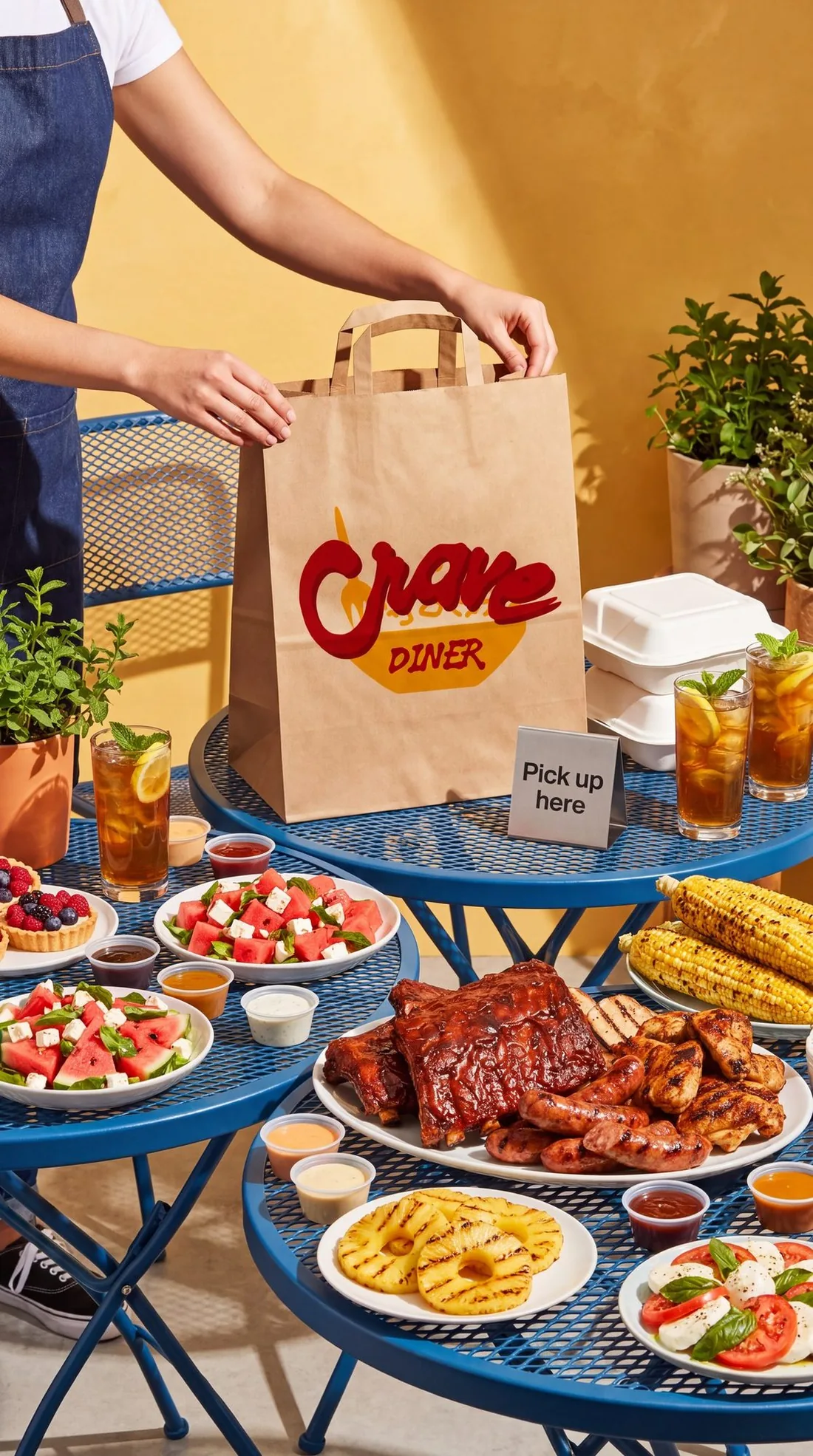
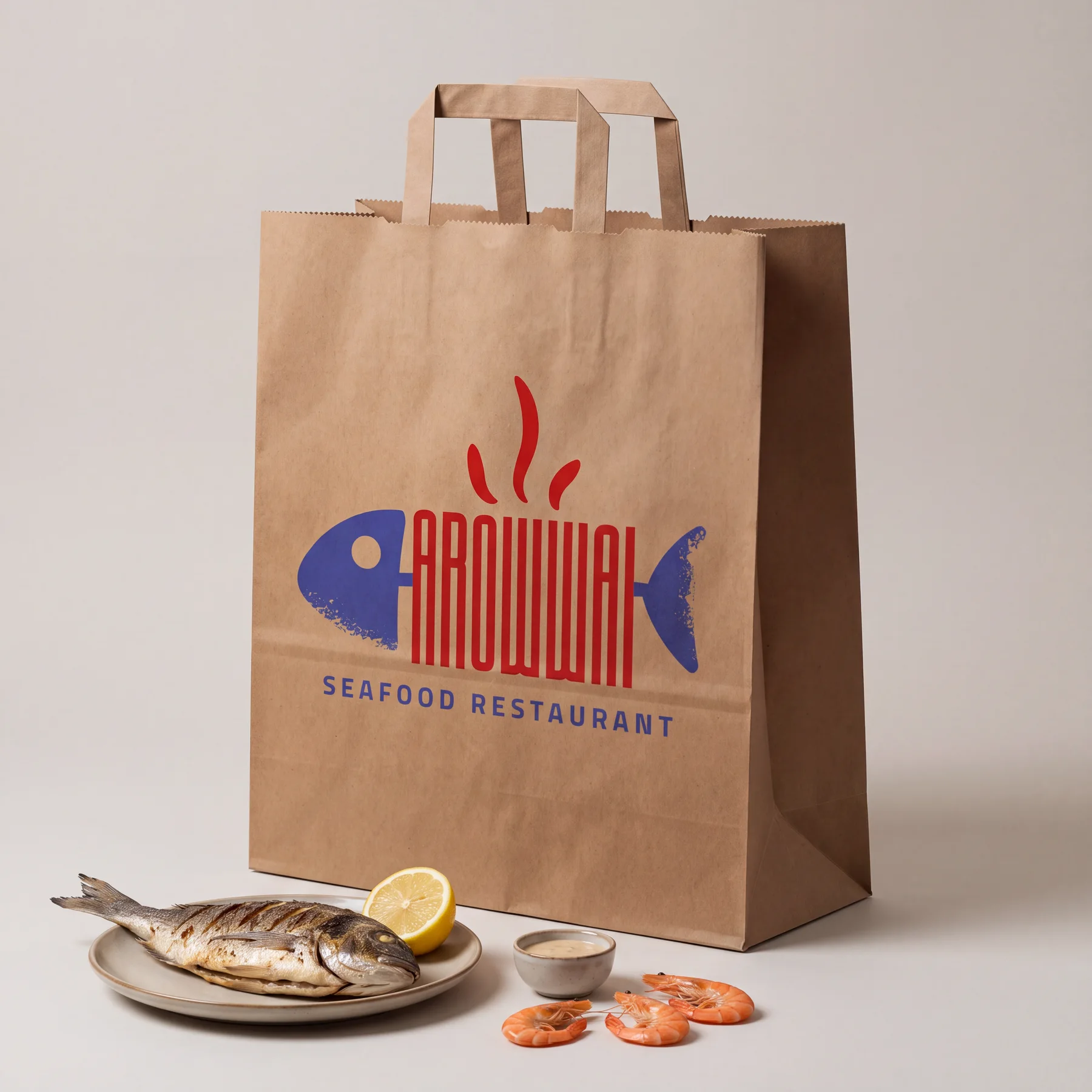
The photos show sample logos on our kraft paper. The videos are the real thing: our press, and ink on paper up close.
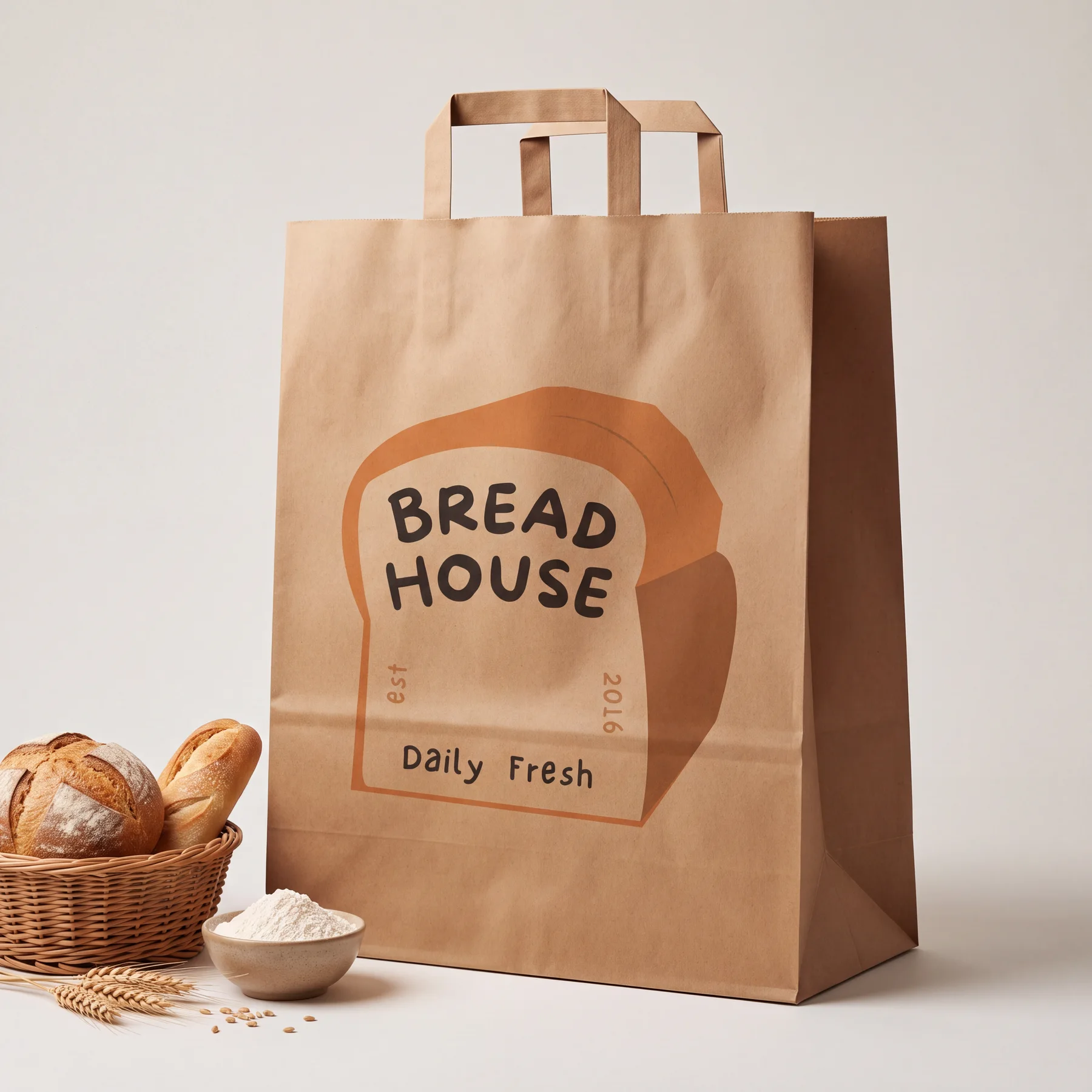
- Bread HouseBakery · 3 colors
- ArowwaiSeafood · 2 colors
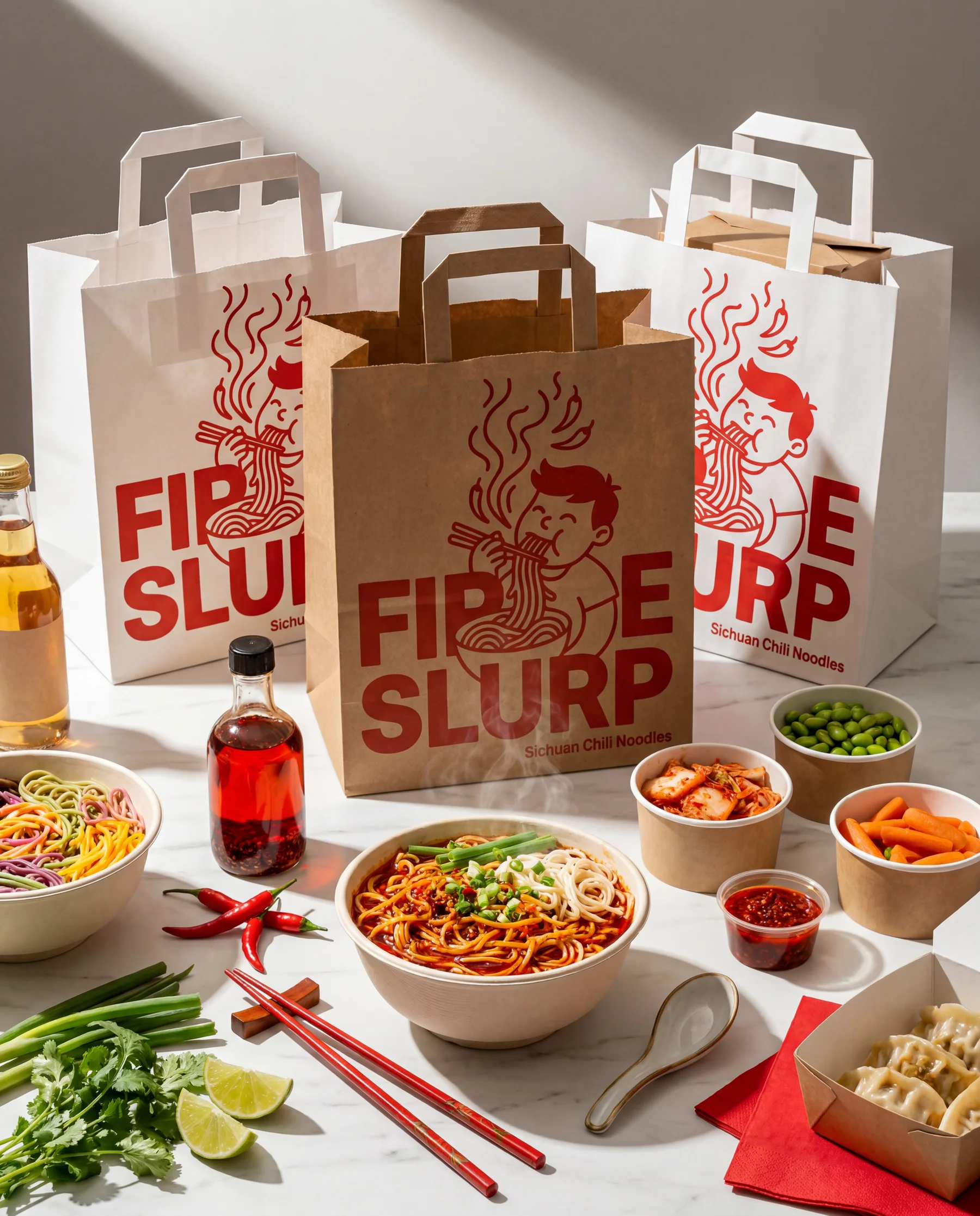 Fire SlurpNoodles · on brown and white
Every logo shown is a sample design. Customer prints get added here as they ship.
[02]The print area
Your logo gets the whole front. Edge to edge.
We print one side, the front, at no charge. The sides stay plain so the bag folds cleanly.
- Print area
- Up to 12 × 14 in
- Bleed
- Full bleed, edge to edge
- Side printed free
- The front
- Back of the bag
- Paid add-on
- Colors
- Any colors, any style
- Paper
- brown kraft and bright white
How to get the sharpest print from your logo
Most print problems start with the file, not the press. Spend two minutes on these before you upload and your bags come out looking like your sign out front.
- Use your biggest file. A logo pulled from your Instagram profile is tiny. Ask your designer for the original, or find the largest version you have.
- Clear backgrounds win. A logo on a transparent background sits on the paper. A logo in a white box prints as a white box.
- Watch the thin lines. Very fine lines and tiny text can fill in on paper. If you squint at your logo and a line disappears, make it thicker.
- Fewer colors, more punch. Two or three strong colors read from across a room. Ten soft ones turn to mud.
Brown or white kraft: what happens to your colors
Ink isn't paint. It soaks into the paper and takes on a little of its color. That's the one thing that surprises people the first time they see their logo on kraft.
- On brown kraft colors come out warmer and a little deeper. Reds go rich, blacks look bold, and the bag feels natural and handmade. Pale yellows and light blues can get lost.
- On white kraft colors stay closest to your screen. Bright logos, pastels and anything with a lot of white space look best here.
You see it on the bag before you pay
When you set up your box, you upload your logo and it shows up on the bag right away. Move it, resize it and check it from every angle. If something looks off, you fix it before checkout, not after a thousand bags are printed.
That's the step most print orders skip, and it's the one that saves you from a bad surprise.
[03]Print questions
About the print itself.
What file should I upload?
The biggest, cleanest version of your logo you have, ideally on a transparent background. If your designer gave you a vector file, use that.
Will my colors match my screen exactly?
On white kraft they come very close. On brown kraft they turn a little warmer, because the ink takes on some of the paper's color.
Can you print a photo?
Logos and bold graphics print best on kraft paper. Photos with fine detail and soft shading lose that detail on paper.
Can you print both sides?
Yes. The front is free, and printing the back as well is a paid add-on you can pick when you set up your box.
Your turn
Your logo, on a bag your customers carry home.
Set up your box, upload your logo and see it on the bag before you pay. The print is free and shipping is free.
Setup fee$0